
Adobe Express
Adobe's quick and easy app for designs, posts and videos
What is Adobe Express?
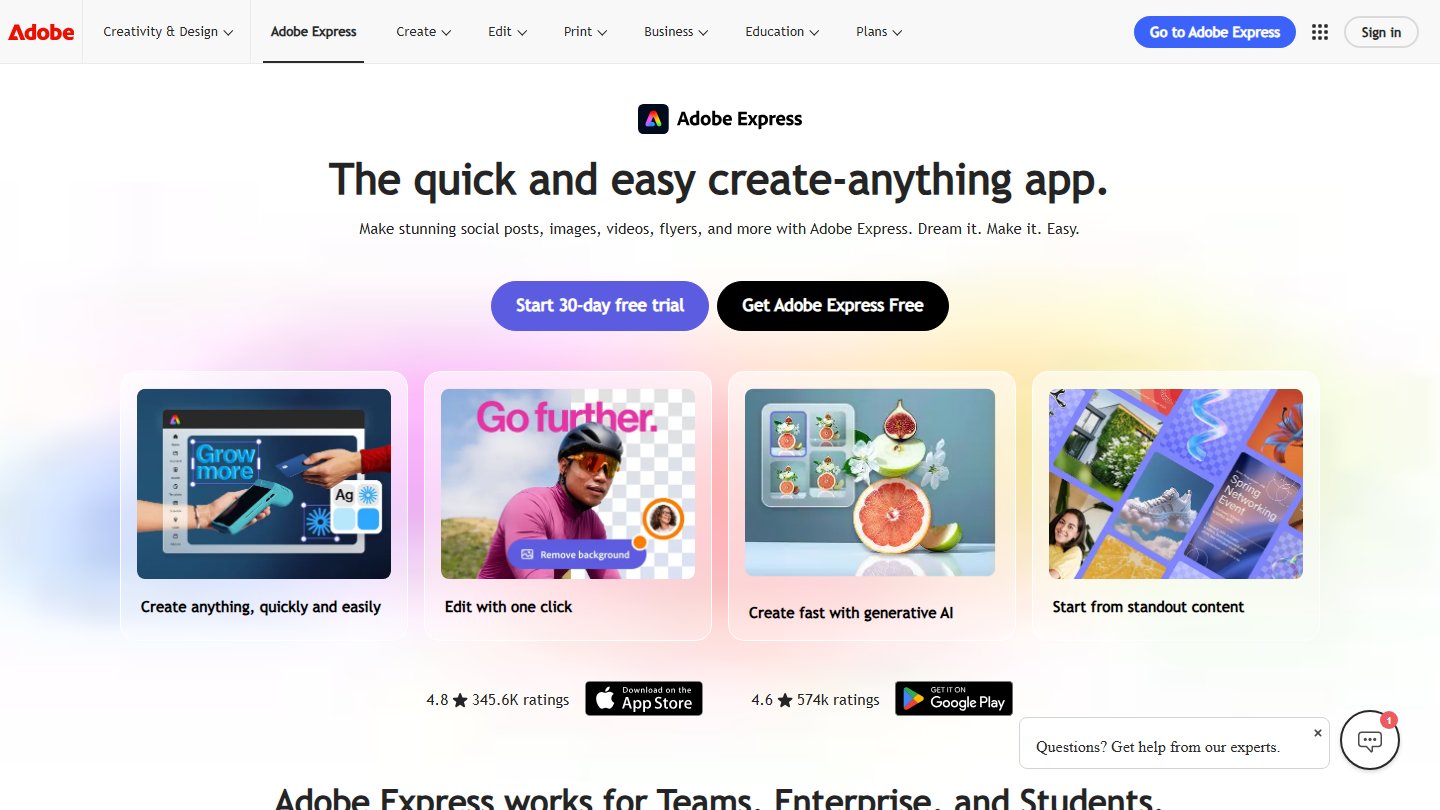
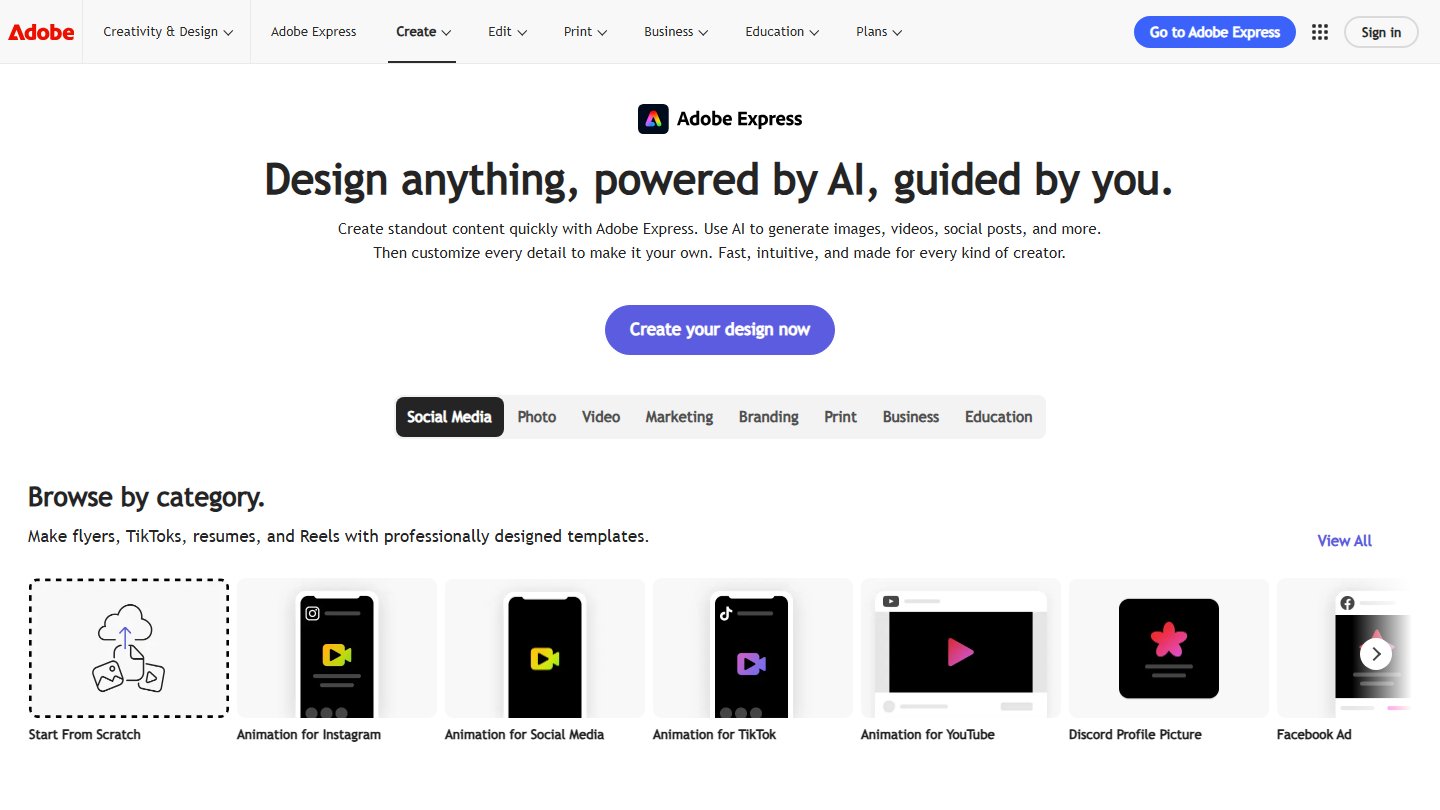
Adobe Express is Adobe's all-in-one app for quickly creating social posts, flyers, logos, short videos and other content. It combines ready-made templates with simple editing tools, so anyone can produce polished designs without design experience.
Key features
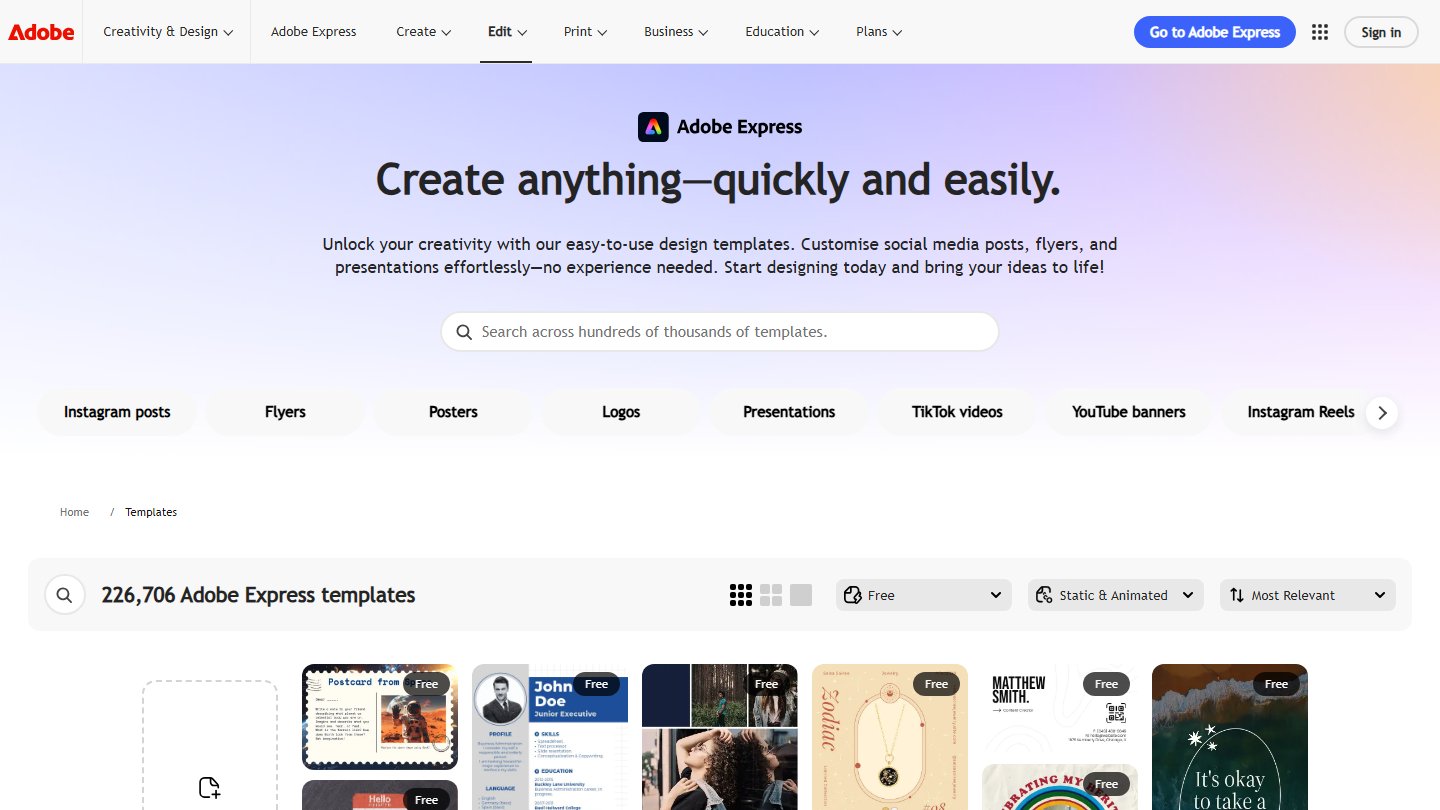
- Templates: start from thousands of ready-made designs
- Simple editing: drag-and-drop tools for text, images and layouts
- Video and animation: make short videos and animated posts
- AI features: generate images and edit designs with AI
- Adobe ecosystem: use Adobe fonts, stock assets and Creative Cloud files
Why people choose Adobe Express
Adobe Express is a strong choice for fast, on-brand content, especially for people who already use Adobe tools and want a simpler way to create everyday designs.
Media Center
Pros
- Easy to use, with lots of templates
- Backed by Adobe fonts, stock and creative tools
- Handles images, video and animation in one app
- Free plan available
Cons
- Less powerful than professional design tools for complex UI work
Q&A
Adobe Express is Adobe's easy-to-use app for creating social posts, graphics, flyers and short videos from templates.
Adobe Express offers a free plan, with paid plans for premium features. Check the website for current pricing.
It can replace Figma for simple graphics and social content, but it is not built for detailed UI design and prototyping.