
Sketch
Native macOS design tool for UI and UX designers
What is Sketch?
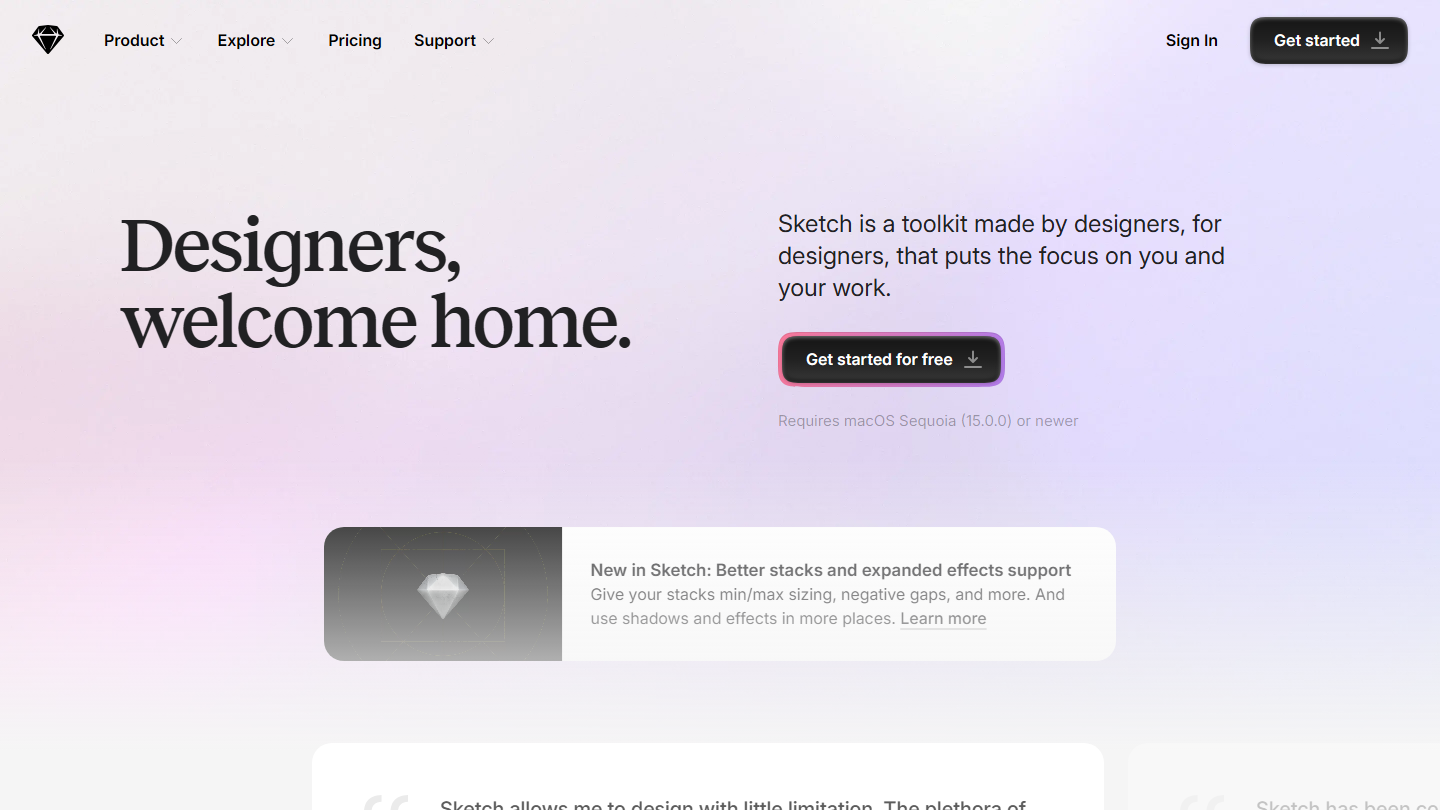
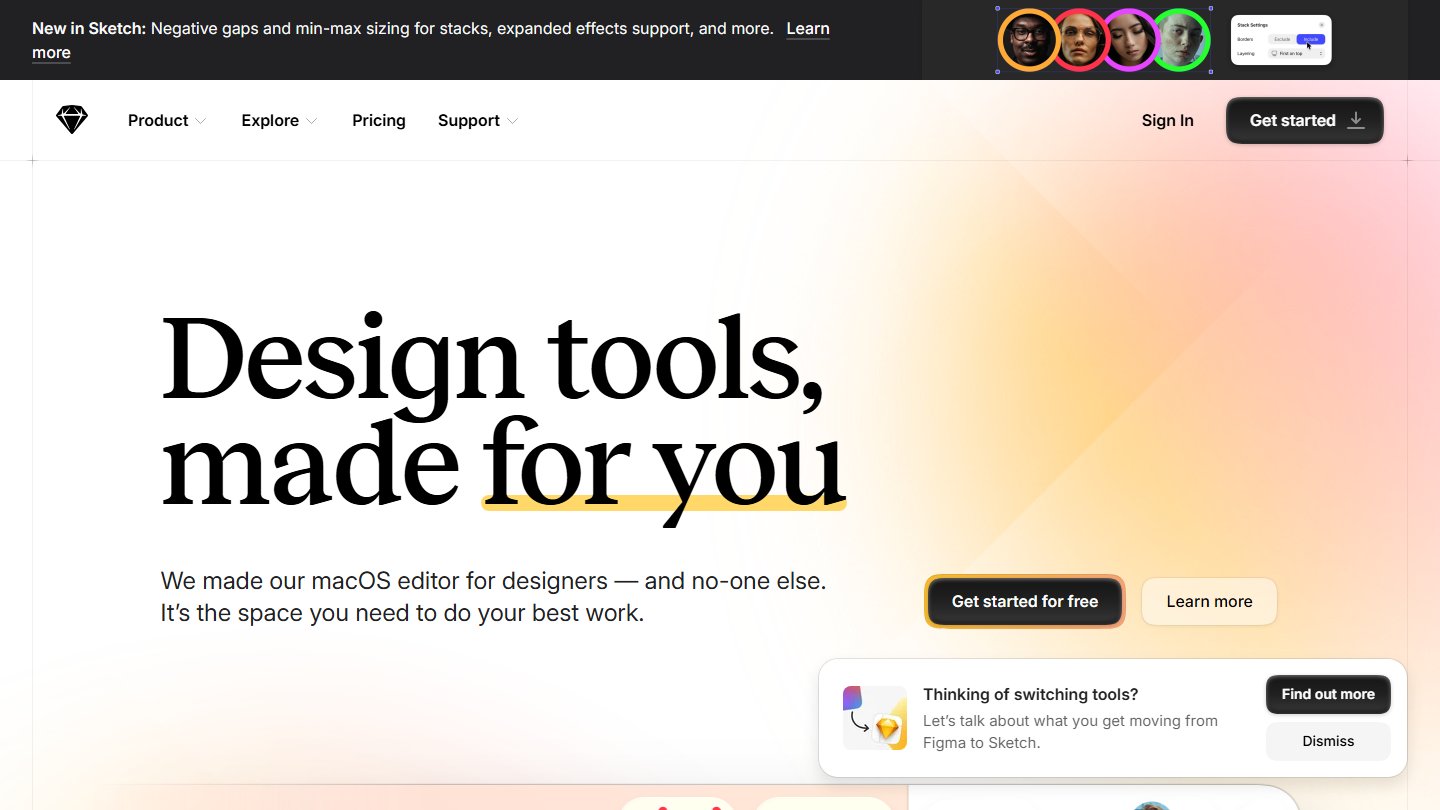
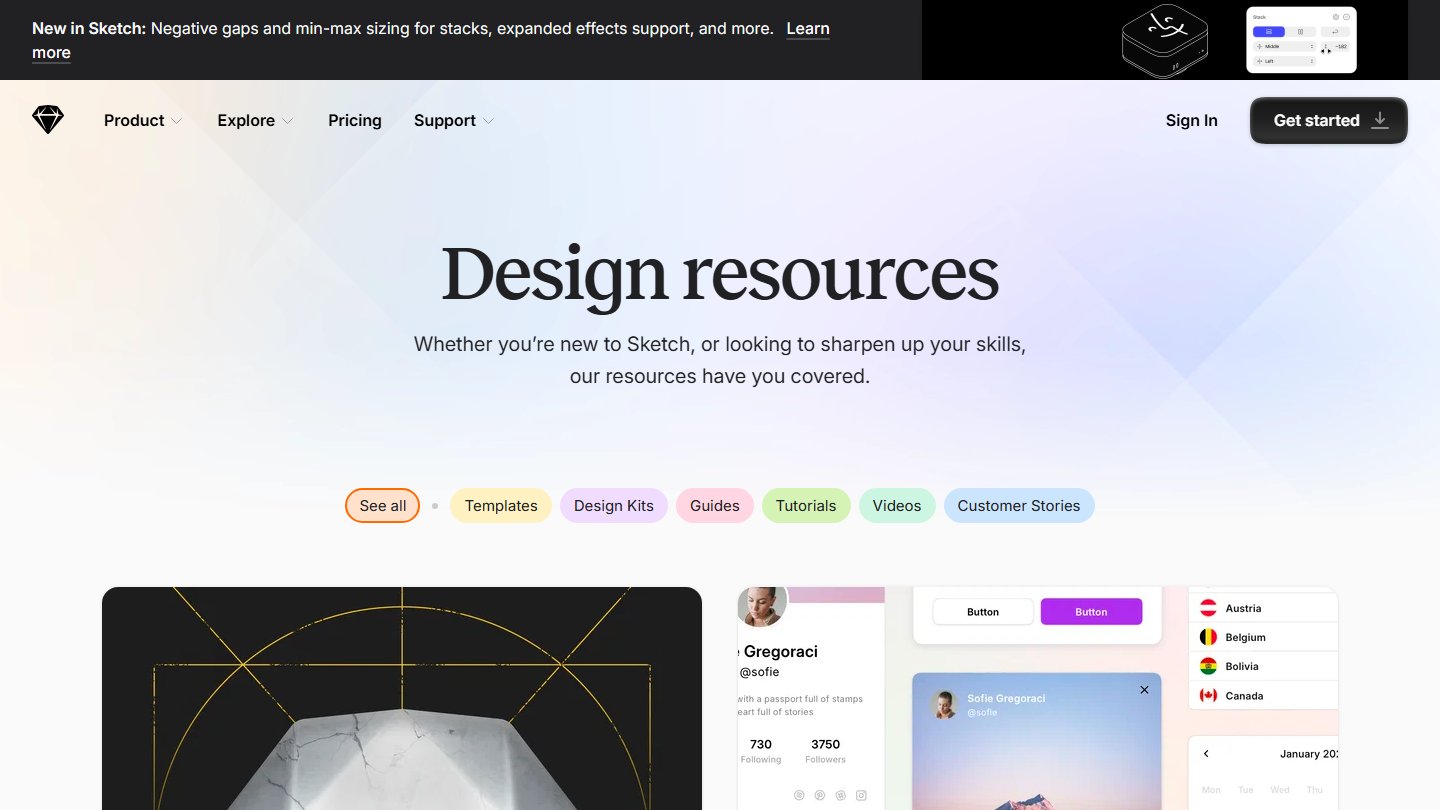
Sketch is a long-standing vector design tool built for UI and UX designers. It started as a native macOS app and helped shape modern interface design, with a focus on speed, symbols and a strong plugin ecosystem. It is one of the best-known alternatives to Figma.
Key features
- Vector editing: precise tools for interface and icon design
- Symbols and components: reuse elements across your designs
- Prototyping: link screens and preview interactions
- Collaboration: share designs and work with teammates on the web
- Plugins: extend Sketch with a large community library
Why people choose Sketch
Sketch is loved by designers for its focused, polished macOS experience and mature ecosystem.
Media Center
Pros
- Mature, well-loved tool for UI and UX design
- Native macOS app that feels fast and focused
- Strong plugin ecosystem
- Symbols and components for consistent design systems
Cons
- The main editor is macOS only, unlike browser-based tools
Q&A
What is Sketch?
Sketch is a vector design tool for UI and UX design, best known as a native macOS app.
Is Sketch only for Mac?
The Sketch editor runs on macOS, while a web app lets teammates view and share designs in the browser.
Is Sketch an alternative to Figma?
Yes. Sketch is one of the oldest and most established Figma alternatives.