Table of contents
- Overview
- Introduction
- Why PDF Management Matters
- Problem 1: Large PDF File Sizes That Are Hard to Share
- Why this is a problem:
- Practical solution:
- Problem 2: Difficulty Merging Multiple PDF Files
- A real-world use case:
- Practical solution:
- Problem 3: Compatibility Issues Across Devices and Platforms
- Practical solution:
- Problem 4: Poor Organization and File Management
- Common issues include:
- Practical solution:
- Problem 5: PDFs Slowing Down Remote Work Productivity
- Why this matters:
- Practical solution:
- Choosing the Right Approach for Managing PDF Files
- Final Thoughts
- Frequently Asked Questions (FAQ)
- 1. Why do PDF files become difficult to manage over time?
- 2. What is the best way to merge multiple PDF files?
- 3. Are PDFs still better than Word or image files in 2025?
- 4. How can PDF tools improve productivity for remote workers?
- 5. Is it safe to use online PDF tools for sensitive documents?
Discover common PDF management problems and practical solutions to merge, organize, and share PDF files efficiently in modern workflows.
Introduction
PDF files have become a core part of our daily digital lives. From contracts and invoices to reports and scanned documents, PDFs are everywhere, especially for remote workers, freelancers, and small teams.
However, despite their popularity, managing PDF files efficiently is still a challenge for many people.
Large file sizes, merging multiple documents, compatibility issues, and poor organization often slow down productivity and create unnecessary frustration.
In this guide, we’ll explore the most common problems people face when managing PDF files and share practical, modern solutions that actually make everyday work easier.
Why PDF Management Matters
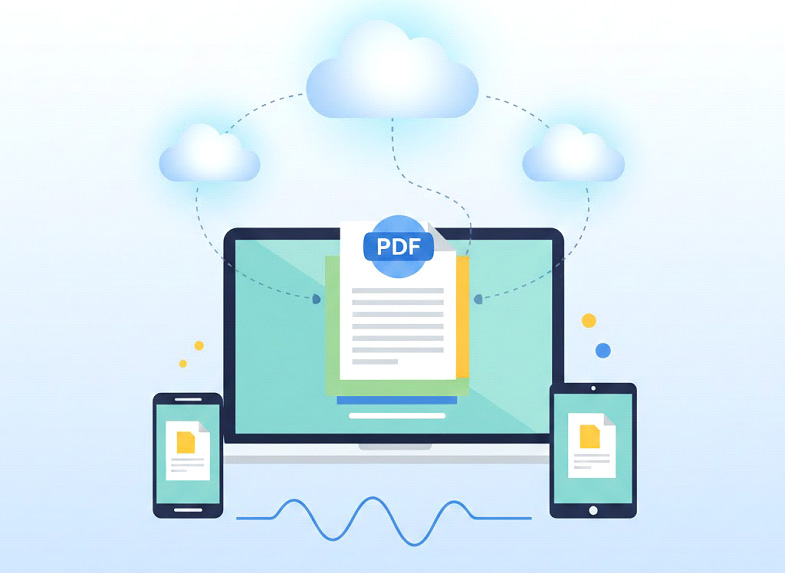
As remote work and digital collaboration continue to grow, document handling has become a daily task rather than an occasional one. Teams now exchange files across time zones, devices, and platforms, often without face-to-face clarification.
Poor PDF management can lead to:
- Lost time searching for files
- Errors caused by outdated versions
- Delays in approvals and communication
In 2025, efficient PDF management is no longer just about convenience. It directly impacts productivity, collaboration, and professional credibility. Choosing smarter ways to handle PDFs helps individuals and teams stay organized, responsive, and focused.
Problem 1: Large PDF File Sizes That Are Hard to Share
One of the most common issues with PDF files is their size. Scanned documents, image-heavy PDFs, and combined reports can quickly become too large to email or upload to collaboration platforms.
Why this is a problem:
- Email attachments get blocked
- Uploads take longer
- Cloud storage fills up faster
Large file sizes often result from high-resolution scans or unoptimized images embedded in PDFs. Over time, these files slow down workflows and create unnecessary friction.
Practical solution:
Optimizing PDFs before sharing can significantly reduce file size without affecting readability. Online tools that compress, restructure, or merge files help users send documents faster and keep workflows smooth.
Problem 2: Difficulty Merging Multiple PDF Files
Many people regularly need to combine several PDFs into one, for example:
- Multiple invoices into a single report
- Scanned pages into one document
- Different chapters into a final file
Doing this manually or using desktop software can be time-consuming and confusing.
A real-world use case:
A freelancer preparing a client report may receive documents from different sources. Without an easy way to combine them, managing versions and order becomes frustrating and error-prone.
Practical solution:
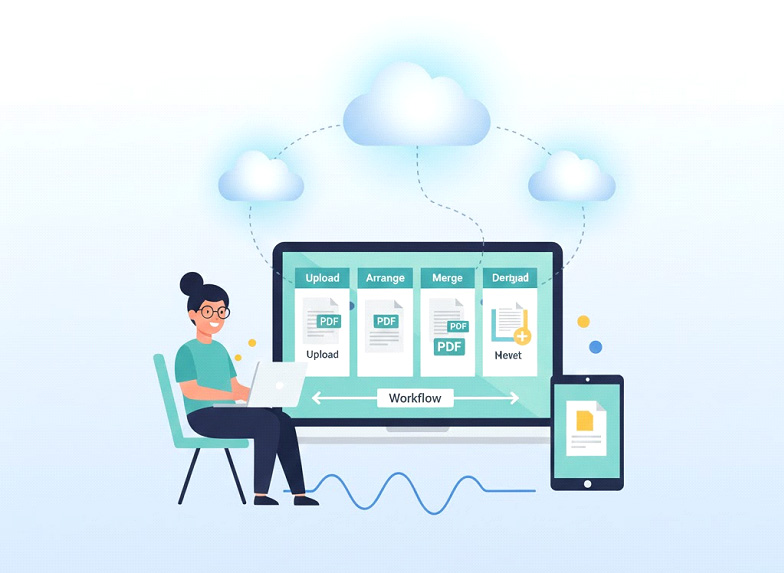
Using online PDF merge tools allows users to upload multiple files, arrange them in the correct order, and export a single clean document in seconds.
For example, tools focused on merging PDF files efficiently help eliminate repetitive steps and simplify document handling for both individuals and teams.
Problem 3: Compatibility Issues Across Devices and Platforms
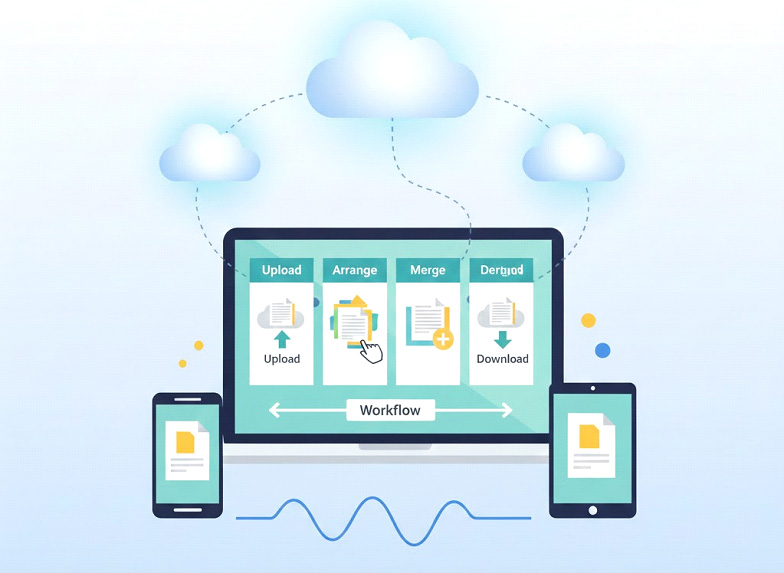
Not all document formats behave the same way across devices. A file that looks perfect on a laptop might break on a phone or display incorrectly on another operating system.
This is especially frustrating for:
- Remote teams
- Clients reviewing documents on mobile
- Cross-platform collaboration
Practical solution:
PDFs remain one of the most reliable formats because they preserve layout, fonts, and structure across devices. When combined with web-based tools, users can manage PDFs directly in their browser without worrying about software compatibility.
Problem 4: Poor Organization and File Management
As digital files pile up, finding the right PDF becomes harder. Unclear file names, scattered folders, and duplicated documents waste time and reduce focus.
Common issues include:
- Multiple versions of the same file
- Misplaced documents
- Difficulty organizing scanned files
Practical solution:
Creating smaller, well-structured PDFs and combining related documents into a single file improves organization. Modern document tools help users keep files clean, searchable, and easier to manage over time.

Problem 5: PDFs Slowing Down Remote Work Productivity
Remote work relies heavily on fast document sharing and collaboration. When PDFs are hard to edit, merge, or send, productivity suffers.
Why this matters:
- Delays in approvals
- Slower client communication
- Unnecessary back-and-forth
Practical solution:
Using modern PDF solutions designed for online workflows helps remote workers handle documents quickly without installing heavy software. Browser-based tools make it easier to prepare, organize, and share PDFs from anywhere.
Choosing the Right Approach for Managing PDF Files
Not all PDF tools are the same. The right approach focuses on simplicity, speed, and accessibility rather than complex features.
For most users, web-based solutions offer the flexibility needed to manage documents efficiently without technical barriers.
By aligning PDF tools with real workflows, individuals and teams can reduce friction and stay productive in fast-moving digital environments.
Final Thoughts
Managing PDF files doesn’t have to be complicated. Most common problems like large file sizes, merging issues, compatibility concerns, and poor organization can be solved with the right approach and tools.
By using web-based platforms that focus on simplicity and efficiency, users can save time, reduce frustration, and improve their daily workflows. As digital documents continue to dominate modern work, adopting smarter PDF management practices is no longer optional — it’s essential.
Frequently Asked Questions (FAQ)
1. Why do PDF files become difficult to manage over time?
As the number of PDF files grows, poor naming, large file sizes, and multiple versions make organization harder. Without proper tools, finding and managing the right document quickly becomes inefficient.
2. What is the best way to merge multiple PDF files?
The easiest method is using browser-based tools that allow users to upload, arrange, and combine files without installing software. These tools save time and reduce complexity in everyday workflows.
3. Are PDFs still better than Word or image files in 2025?
Yes. PDFs preserve layout, formatting, and structure across devices and platforms. This consistency makes them more reliable for sharing, archiving, and professional communication.
4. How can PDF tools improve productivity for remote workers?
Online PDF tools reduce the need for back-and-forth communication by making document preparation, merging, and sharing faster. This helps remote teams collaborate more efficiently.
5. Is it safe to use online PDF tools for sensitive documents?
Reputable PDF tools use secure connections and temporary processing to protect user data. Users should always choose platforms that clearly explain their privacy and data-handling practices.
Created on 31 December, 2025
Related posts
Leave a comment

ADVERTISEMENT
Categories
Popular posts
ADVERTISEMENT