Online QR Code Generator
Generate custom QR codes with colors, styles, and your brand with our QR Code Generator. Add logos for a personalized touch.
Create Custom QR Codes with Logo, Gradients & High Error Correction
Unlock instant sharing with our powerful, easy-to-use QR Code Generator. Whether you’re linking to a website, sharing contact info, or branding a marketing campaign, Toolzin’s generator gives you total control over style, size, and reliability — all in seconds and for free.
Why QR Codes Matter (and Why Better Ones Work)
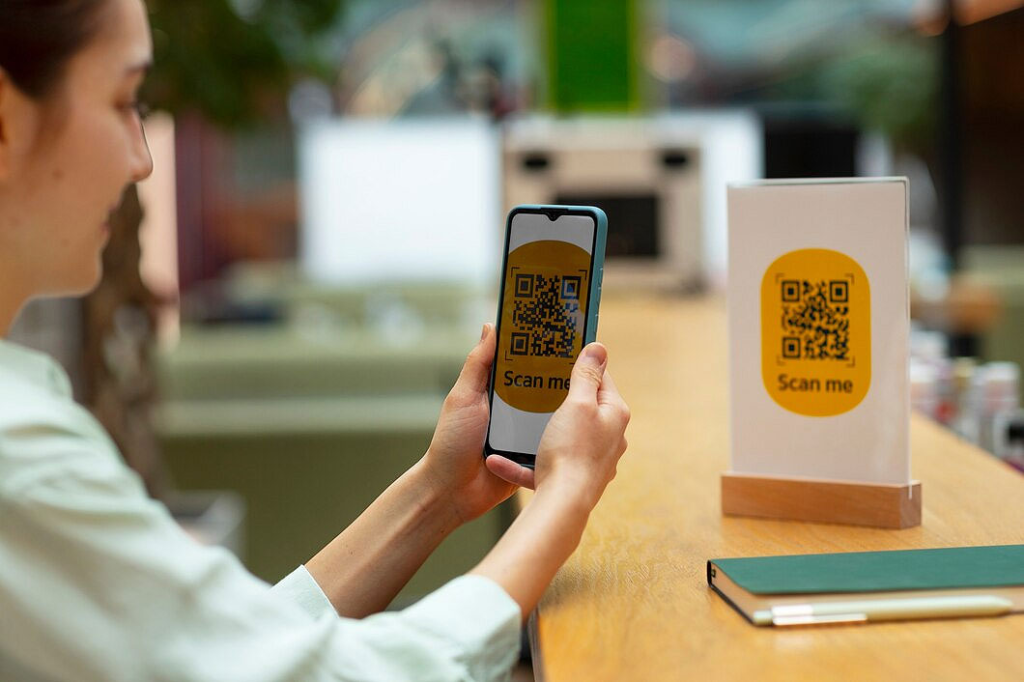
QR codes are a bridge between printed or physical media and the digital world. A simple scan from a smartphone camera can take someone to a landing page, a menu, a product detail, or a registration form. But not all QR codes are created equal. A plain black-and-white square works, but custom, well-designed QR codes:
- Strengthen brand recognition when they include logos, colors, and gradients.
- Improve user trust and click-through when they look professional.
- Remain scannable even on complex backgrounds if you choose the right error correction level.
- Fit seamlessly into packaging, posters, business cards, and social posts when you control size and margins.
Toolzin’s QR Code Generator helps you create attractive, reliable, and scan-ready codes that match any visual identity and real-world use case.
What You Can Create (Features Overview)
Our generator is packed with pro-level features while staying simple to use:
- QR Type: Create QR codes for URLs, plain text, email, phone numbers, Wi-Fi credentials, vCards, and more.
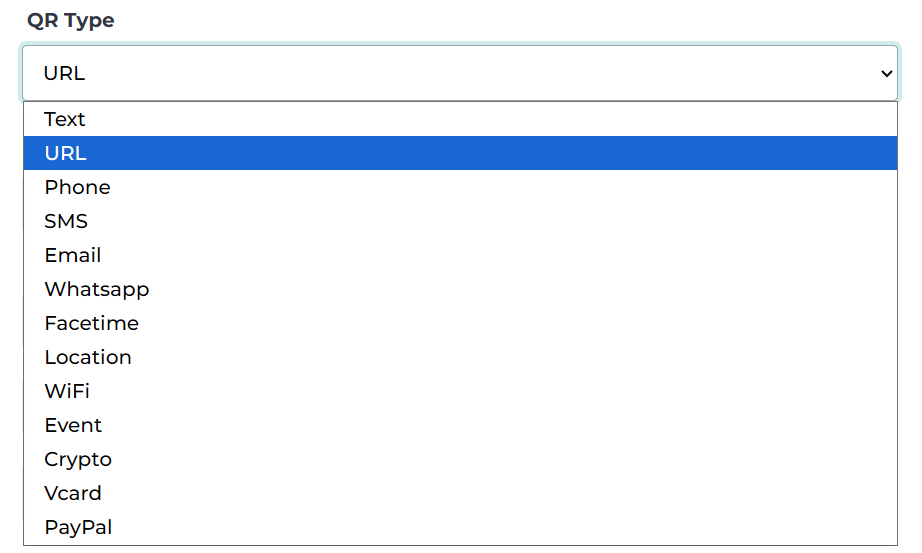
- Style Controls: Choose foreground style (solid color or gradient), vertical/horizontal gradient orientation, and two-color gradient stops.
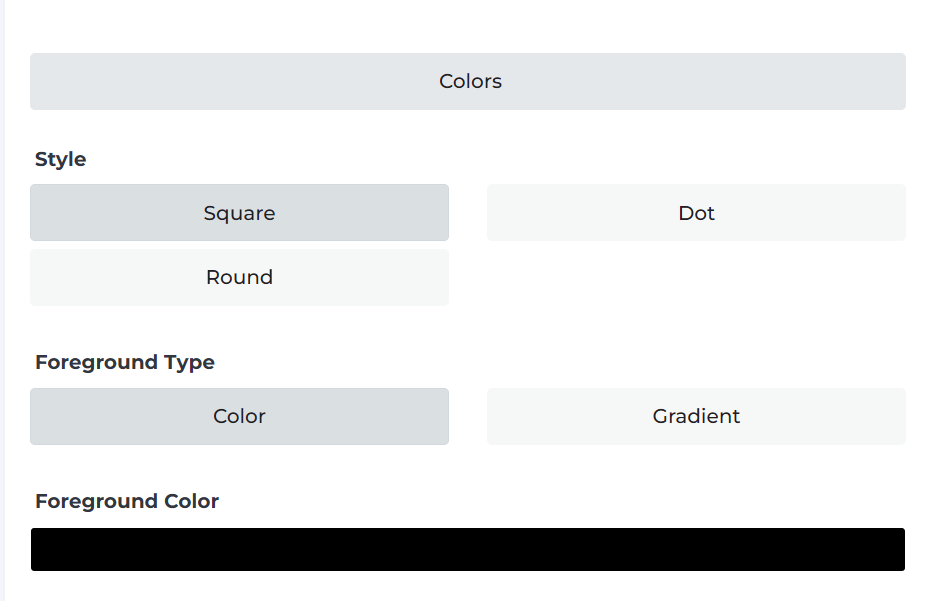
- Custom Colors: Set foreground and background colors with full transparency control for stylish overlays.
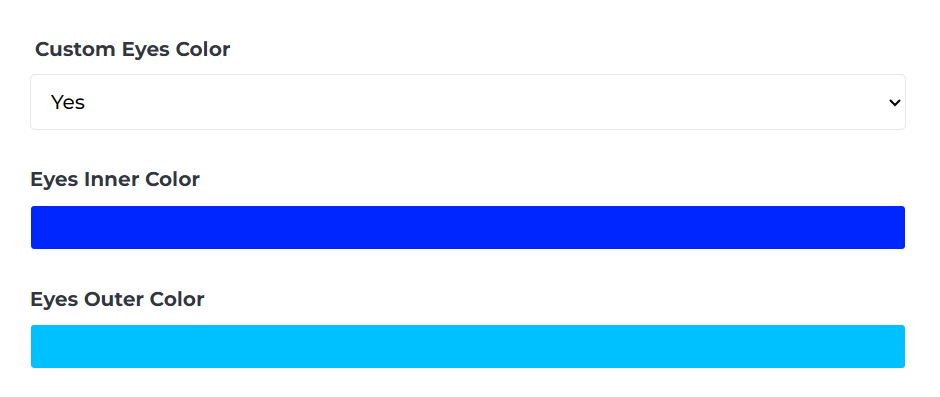
- Custom Eyes: Personalize the QR “eyes” (the three corner blocks) with inner and outer colors to match your design.
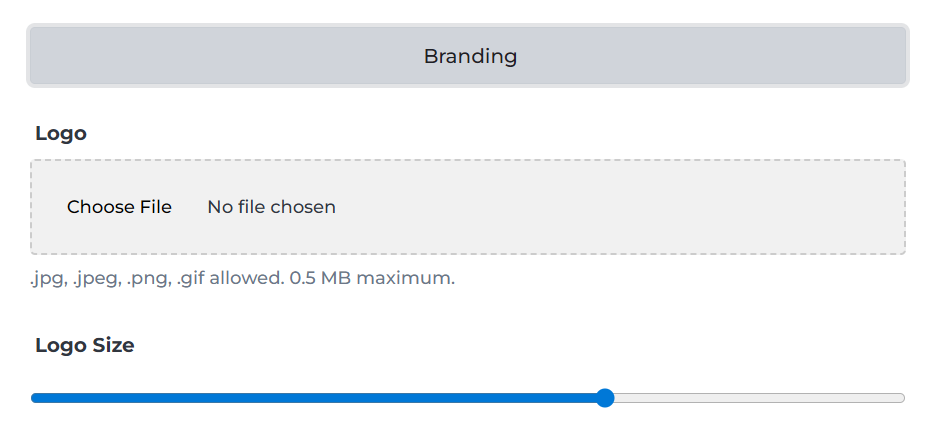
- Logo Upload: Add your brand logo (JPG, JPEG, PNG, GIF; up to 0.5 MB) and place it safely in the center.
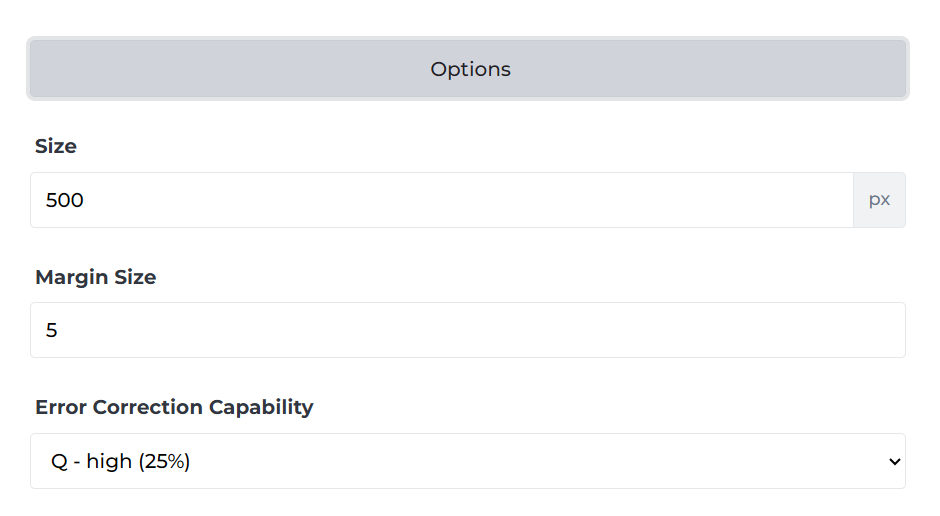
- Size & Margin: Define output size up to 500 px (or more depending on export options) and set margins for print-safe padding.
- Error Correction: Pick from multiple levels — choose H (30%) for maximum resilience (ideal for logos and partially obscured prints).
- Download Options: Export high-quality PNG images ready for print and web; future updates may include SVG and vector formats.
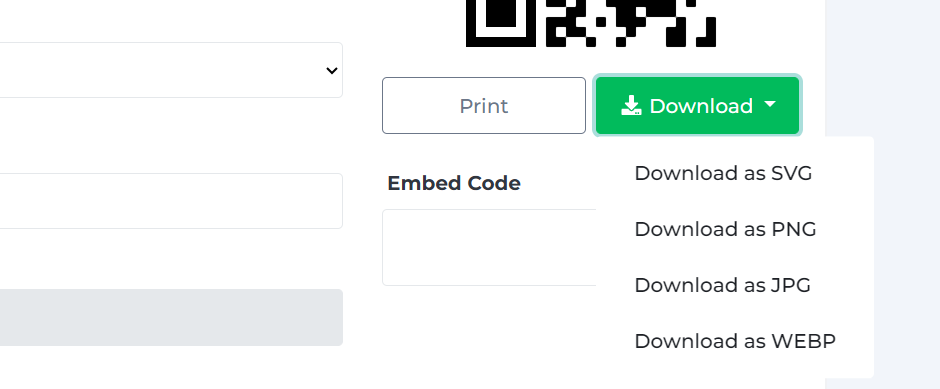
- Instant Preview: See how the QR code looks live as you tweak colors, logo size, and error correction.
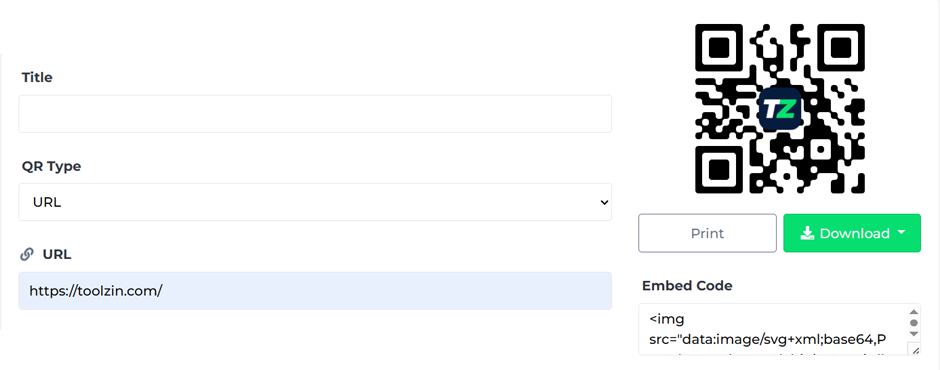
How to Create a Perfect QR Code — Step by Step
- Select QR Type: Start by choosing the content type — for most marketing, choose URL.
- Enter Your Data: Paste the web address, text, or Wi-Fi credentials. Double-check for typos.
- Pick Style & Colors: Choose foreground style and colors. Gradients add a modern look — try vertical gradients for social posts or subtle horizontal gradients for business cards.
- Customize Eyes: Pick complementary colors for the eyes so they stand out and feel on-brand.
- Upload Logo (Optional): Add your logo file (≤ 0.5 MB). Use Error Correction H (30%) if you place a logo so scanning remains reliable even with the central image.
- Adjust Size & Margin: Set a size suitable for your use — larger for print, medium for screens — and add margins to ensure scanners can read the pattern.
- Generate & Test: Click Generate. Test the code with multiple smartphone cameras and scanning apps to ensure it works.
- Download: Save your QR as a high-resolution PNG and use it across your marketing materials.
Best Practices & Real-World Tips
- Always test before publishing. Scan with both Android and iOS devices at different distances.
- Use adequate contrast. Light foreground on dark background or vice versa — avoid low-contrast color combos.
- Reserve margin space. A 4–10% quiet zone (margin) around the QR improves scan success.
- Choose error correction wisely. Higher correction lets you use logos but reduces maximum data capacity. For logo overlays, choose H.
- Shorten long URLs. If your URL is extremely long, use a URL shortener to reduce the amount of data encoded, which keeps the QR simpler and more scannable.
- Print at high resolution. For print materials, export at full resolution and test printed proofs.
Who Benefits from This Tool?
- Small Businesses & Shops — Add QR codes to product packaging, receipts, and storefronts to drive online traffic.
- Marketers & Agencies — Create branded QR calls-to-action for campaigns, track clicks with UTM-tagged URLs, and maintain a cohesive visual identity.
- Event Organizers — Use QR codes for ticketing, schedules, and contactless check-ins.
- Designers — Generate scannable design elements that integrate seamlessly with brand visuals.
- Educators & Freelancers — Share documents, portfolios, and contact info quickly and professionally.
FAQs — Quick Answers
Is the QR code free to create?
Yes — Toolzin’s QR Code Generator is free and does not require registration.
Can I add my logo without breaking the code?
Absolutely. Use Error Correction H (30%) and keep the logo size reasonable (around 15–20% of the QR area) for best results.
Will gradient colors affect scanning?
Gradients are fine when there’s enough contrast between foreground and background. Avoid low-contrast gradient combinations.
What file formats are supported for logo uploads?
JPG, JPEG, PNG, and GIF are supported, up to 0.5 MB.
Can I use the generated QR for print?
Yes. Export a high-resolution PNG and test a printed sample at the intended size.
SEO & Sharing Tips
- When embedding a QR on a landing page, use clear calls-to-action: “Scan to visit our menu” or “Scan to claim 10% off.”
- For trackable marketing, append UTM parameters to your URL before generating the QR to measure campaign performance.
- Save and archive each QR variant name-wise (e.g.,
summer_sale_v1_300px.png) to know which creative was used in which channel.
Ready to Make Your First QR?
Create a memorable, branded, and reliable QR code now — no design skill required. Paste your URL or data, style the code to match your brand, test it on multiple devices, and download a high-resolution image ready for printing or sharing.
Toolzin’s QR Code Generator puts professional QR design tools in your hands — free, fast, and flexible. Start now and make your next campaign scannable.